Bookmark Size Guide: Standard UK Dimensions & What to Choose
Bookmarks are fairly simple when it comes to print, but choosing the right size is still worth thinking about before you start the artwork.
You might only need enough room for a logo and a short message, or you might want to include a bit more branding, an illustration or a QR code.
There isn’t one fixed standard bookmark size in the UK. Most are tall and narrow, but there’s quite a bit of flexibility depending on what you want the finished bookmark to look like.
At StressFreePrint, we offer four sizes:
| Bookmark Size | Size in cm | Good For |
|---|---|---|
| 55 × 150mm | 5.5 × 15cm | Compact designs, giveaways and simple branding |
| 55 × 170mm | 5.5 × 17cm | Everyday bookmarks with a little more room |
| 55 × 210mm | 5.5 × 21cm | Longer designs, promotions and more detailed artwork |
| 70 × 210mm | 7 × 21cm | Wider layouts, photography and more visual designs |
What is a standard bookmark size?
There isn’t really one exact size that every bookmark follows.
Most sit somewhere around 50–70mm wide and 150–210mm tall, which gives you that familiar long, narrow shape without covering too much of the page.
For something straightforward, 55 × 150mm or 55 × 170mm will work well for most designs.
If you need more room, you can go longer without making the bookmark any wider. That’s where a size like 55 × 210mm can be useful.
Which size will work best for your design?
I’d start with what you actually need to put on it.
If it’s just a logo, short message and website, there probably isn’t much reason to choose the biggest option.
A smaller bookmark keeps things simple and gives you enough room without leaving a lot of empty space to deal with.
If you want to add a QR code, illustration, event details or a bit more copy, moving up to 55 × 170mm or 55 × 210mm gives the design more room instead of forcing everything closer together.
You can also use the front and back differently. One side could carry the main design, with the other used for contact details, a website or anything else you don’t want competing with the artwork.
That often works better than trying to get everything onto one side.
If you’re still working on the artwork, our How to Design a Bookmark guide has practical ideas for layouts, colours, imagery and making the most of both sides.
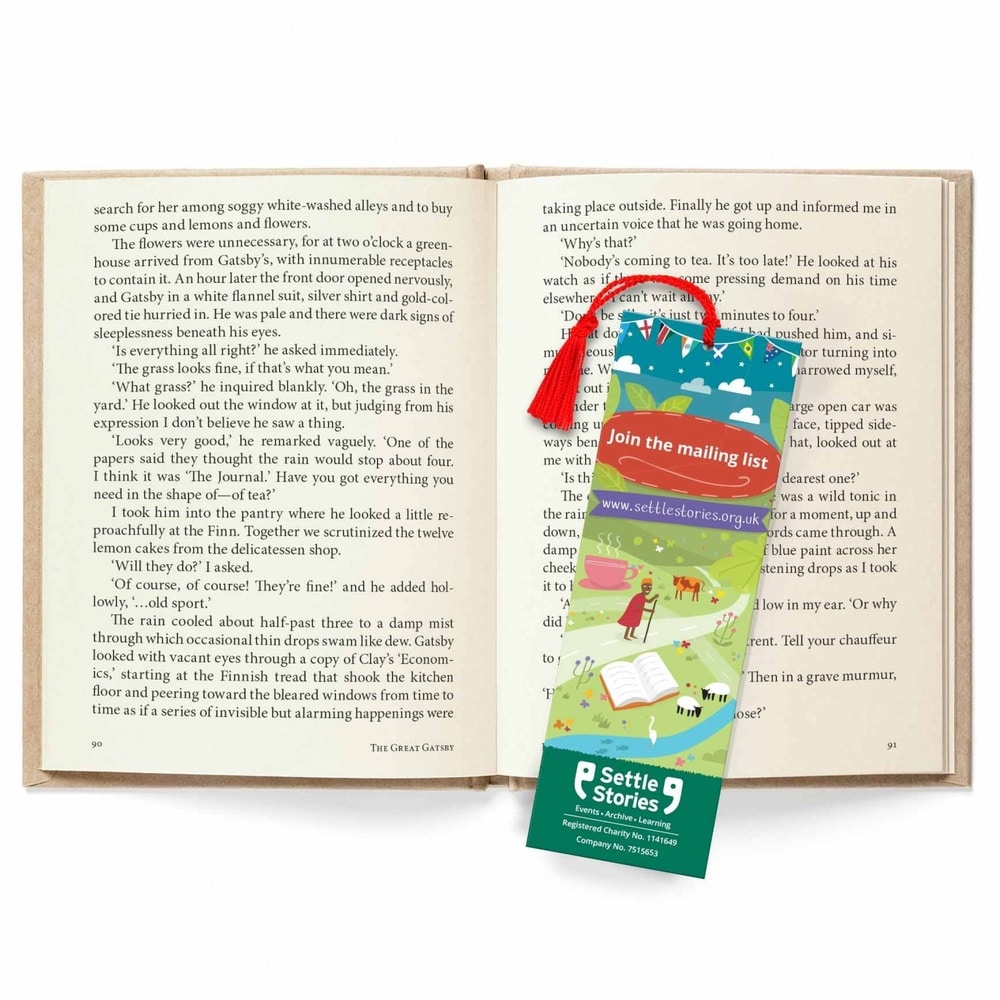
When is a wider bookmark useful?
The 70 × 210mm size gives you a bit more width as well as the extra height.
That can make sense if you’re using photography, illustrations or larger branding and want those elements to have a bit more room.
It can also work nicely for promotional bookmarks, event giveaways or something you want people to keep rather than just use as a page marker.
For a really simple design though, you may not need the extra width at all. Sometimes the slimmer option looks better because there’s less space to fill.
Choosing your bookmark size
There isn’t a right size for every bookmark.
Have a look at what needs to go on the design and choose the option that gives it enough room without making the bookmark bigger than it needs to be.
If you’re keeping things simple, start with 55 × 150mm. If the design needs a bit more space, you’ve got three larger options to work with.
Once you know what you want the bookmark to say and how you want it to look, the size is usually the easy bit.
If you’re ready to get started, take a look at our custom bookmark printing options.