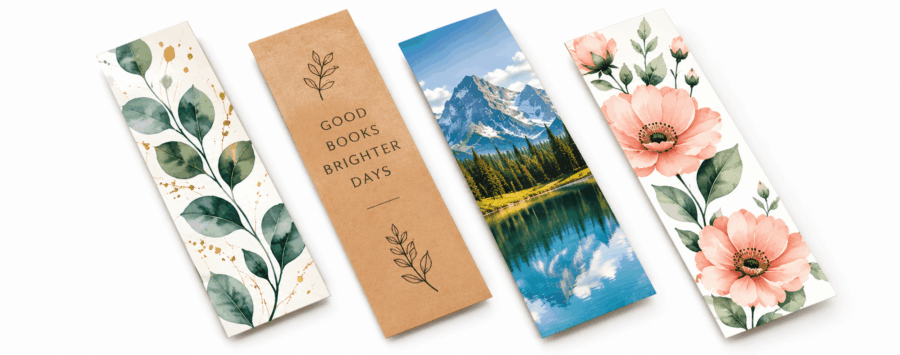
How to Design a Bookmark: Ideas That Work in Print
Bookmarks give you a useful bit of space to work with without needing loads of information.
You can keep things really simple with a logo and short message, or go more visual with photography, illustration or a design people might actually want to keep.
There isn’t one right way to do it.
The best place to start is with what the bookmark is for and what you want somebody to notice when they pick it up.
If you’re still deciding on the format, our Bookmark Size Guide covers the different sizes available and which one works best for different designs.
Start with what the bookmark is for
A bookmark going into customer orders is going to need something different from one being handed out at an event.
The same goes for a book launch, school project or special occasion.
You might be designing one for:
- A business or promotion
- A book launch
- An event or exhibition
- A school or reading project
- A giveaway
- A wedding, birthday or other special occasion
- Something customers can keep with an order
Once you know what it’s for, deciding what needs to go on it gets a lot easier.
Keep the important bits easy to find
You don’t need to fill every bit of space.
Start with the main thing you want someone to notice.
That could be your logo, a piece of artwork, a book cover, an event name or just a short message.
Anything else can sit around that rather than competing with it.
If you’re adding a website, social handle or QR code, keep it easy to find without making it the main part of the design.
A bit of space around everything usually helps.
Use both sides
You’ve got a front and a reverse, so use them.
One side can carry the main artwork or branding, while the other deals with the practical information.
That could be:
- A website
- Contact details
- A QR code
- Social handles
- Event information
- A short message
It’s often a much cleaner way of working than trying to squeeze everything onto one side.
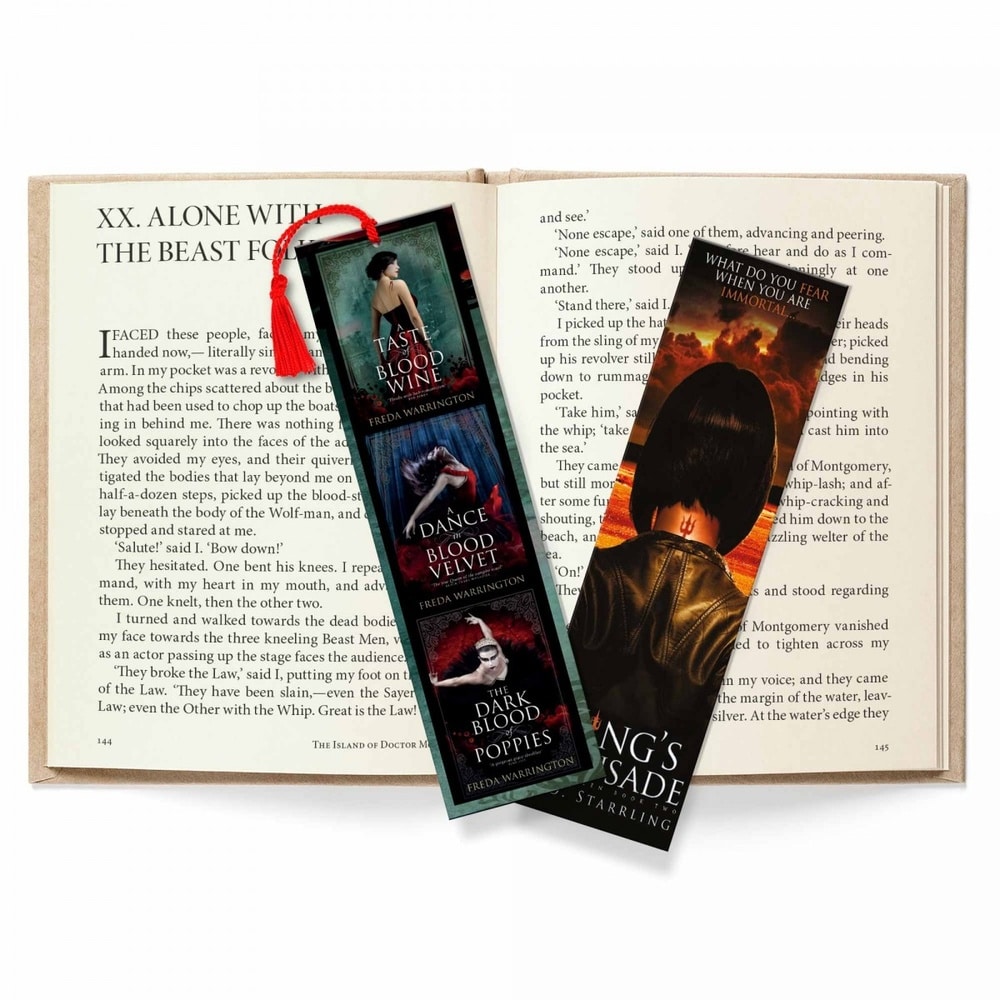
Colours, fonts and images
If the bookmark is for a business, it should still feel like the rest of your brand.
Using the same colours and fonts as your website, packaging or other printed material helps tie everything together.
You don’t need loads of different colours or typefaces to make it interesting either.
One strong colour, a clean font and a simple layout can work really well.
Images and illustrations can add a lot too, especially for photographers, artists, authors or visitor attractions.
If the image isn’t adding anything though, leave it out.
Sometimes a strong logo and a simple design will do the job better.
A few ideas depending on what it’s for
For a business, you might keep things fairly simple with a logo on the front and your website or QR code on the back.
For an event, you could include the event name and artwork on one side, then use the reverse for a date, website or extra information.
A book launch gives you plenty to work with too. Cover artwork can work nicely on the front, with the author name, release details or website on the reverse.
For a wedding, birthday or other special occasion, you can make it more personal with names, dates, photographs, quotes or a short message.
The point isn’t to make every bookmark look unusual.
It’s about making the design suit what it’s being used for.
Don’t turn it into a narrow flyer
This is probably the easiest place to go wrong.
Because bookmarks are longer than they look, it can be tempting to keep adding more information.
Before long you’ve got several paragraphs, multiple contact details, social handles, a QR code and hardly any room left for the design.
If you’ve got more to say, use the bookmark to send people somewhere else.
A website or QR code can carry the extra information while the bookmark itself stays simple and easy to look at.
That usually works better.
Designing your own bookmark
If you’re creating your own artwork, don’t overthink it.
Work out what the bookmark is for, decide what needs to be on it and give the design enough room to breathe.
Use the front and reverse if you need to, keep the branding consistent and don’t add things just because there’s space left.
If you still need to choose the format, our Bookmark Size Guide covers the different sizes and what each one is useful for.
Once the design is ready, you can take a look at our custom bookmark printing options and choose the one that suits it best.